Pages

Showing posts with label Blend. Show all posts

Thursday, 4 October 2012

Enhancing the Win8 Slider experience

Enhancing the Win8 Slider experience
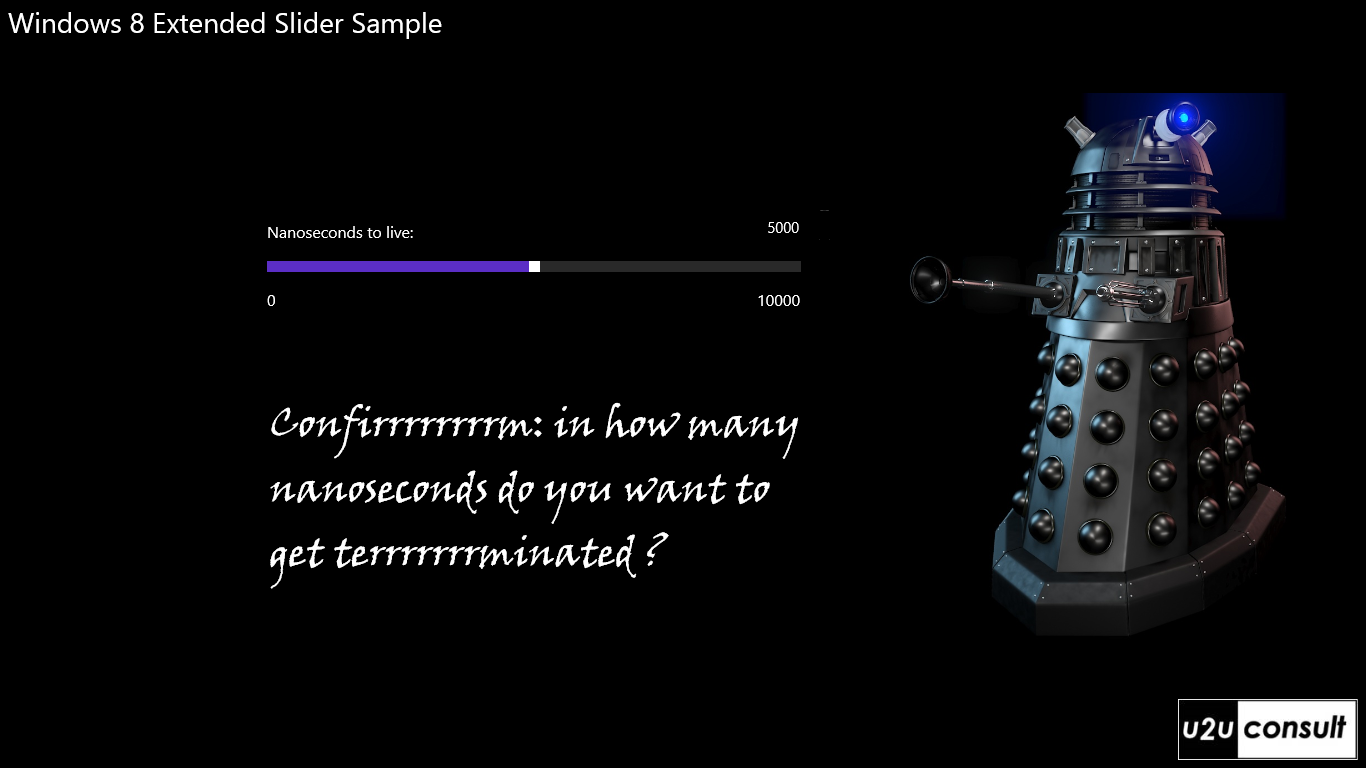
This article describes a way to enhance the user friendliness of a standard slider control in a Windows 8 Store App. Problem in a touch oriented application, we often allow -or force- the user to set the value for an integer or an enumeration through a slider control. In most cases this is more comfortable and less error prone than working with the soft keyboard. Unfortunately it’s not always ideal: if the range of values becomes too huge, or the slider becomes too narrow (e.g. when in portrait or snapped mode), then it becomes too difficult for the user to position the slider at the correct value. In this scenario, a textbox is a much more appropriate input control. This article proposes a UX design –and implementation- that offers the best of both worlds, and lets the end user decide on it.

Read More

Friday, 14 September 2012

Adding and Editing WinRT Behaviors with Blend

I am a huuuuuuge fan of Behaviors (and Actions and Triggers) for Silverlight and WPF. I have been very disappointed when WinRT turned out not to support them.

Luckily, Joost Von Schalk created WinRTBehaviors on CodePlex (also available on NuGet). But his solution still lacks any Blend support. I have not been able to reproduce the full Blend behavior editing experience, but I managed to take the first baby-step that at least saves you from creating Behaviors from code.

Read More

Thursday, 6 September 2012

Understanding and debugging design time data in Expression Blend


One of my favorite features in Expression Blend is the ability to attach a Visual Studio debugger to Blend. First let’s start by answering the question: why exactly do you want to do that?

Note: If you are familiar with the creation and usage of design time data, feel free to scroll down to the paragraph titled “When design time data fails”.

Creating design time data for your app
When a designer works on an app, he needs to see something to design. For “static” UI such as buttons, backgrounds, etc, the user interface elements are going to show up in Blend just fine. If however the data is fetched dynamically from a service (web, database, etc) or created dynamically, most probably Blend is going to show just an empty element.

The classical way to design at that stage is to run the application, navigate to the screen that is under construction (which can involve delays, need to log in, etc…), to measure what is on the screen (colors, margins, width and height, etc) using various tools, going back to Blend, editing the properties of the elements, running again, etc. Obviously this is not ideal.

Read More
Web Informer Button